

How does e-invoicing work?
We’ll explain eFaktúra, Peppol and SOFTIP Digital Postman to you without any complicated definitions. It’ll only take 3 minutes and you’ll learn everything you need to know.
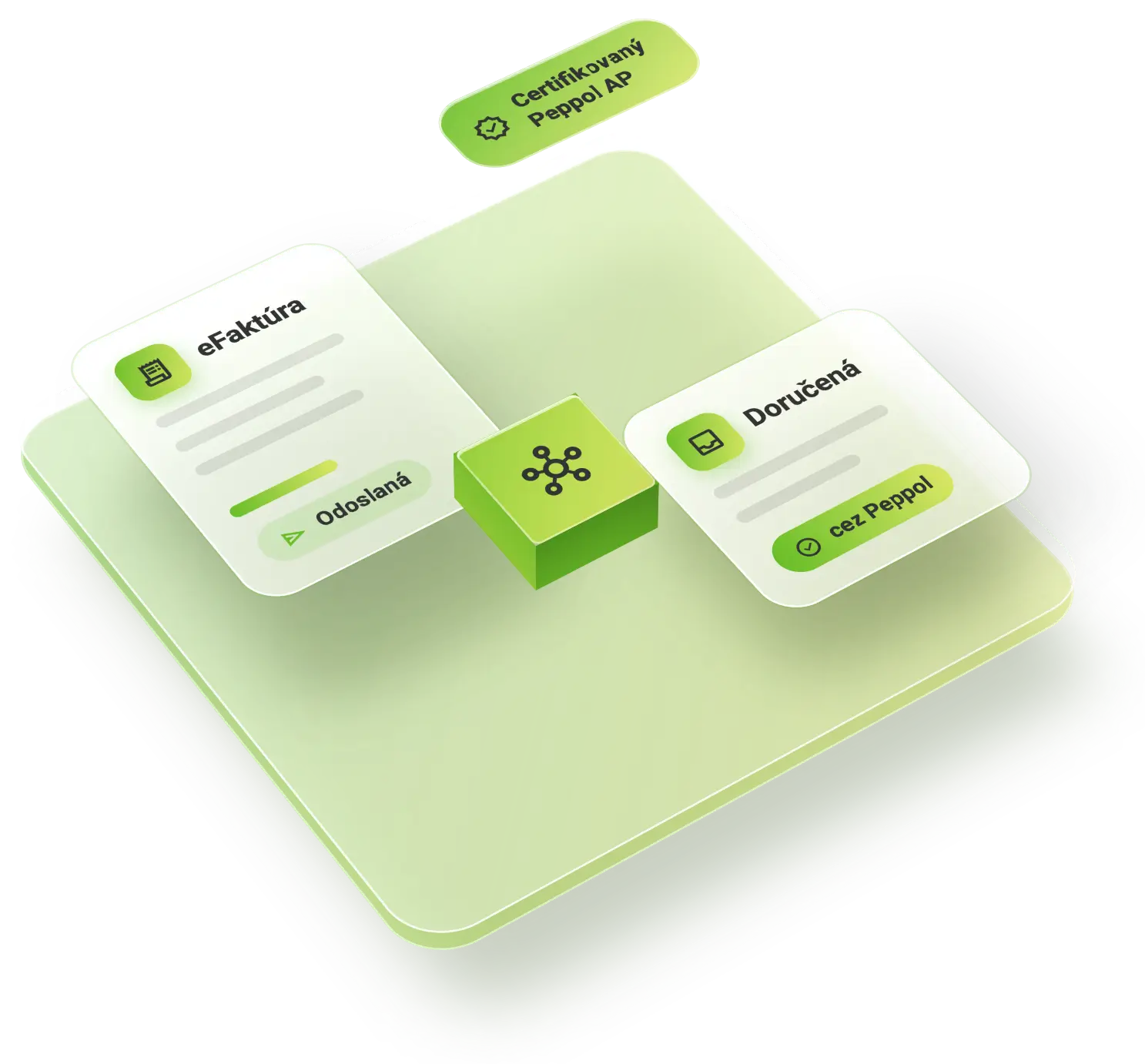
What is an electronic invoice?
An e-invoice is not a PDF sent by email. It is a structured electronic document that systems process automatically – without the need for manual transcription and without errors.
PDF invoice
An image that you have to transcribe by hand.
Manual transcriptione-Invoice
Data that the computer processes automatically.
Automated processingWhat is Peppol?
„Peppol is like email address for invoices.“
Just as an email delivers a message to anyone in the world, Peppol delivers an invoice to any business – securely and in a standard format. Your Peppol ID is like your email address, but for handling invoices.
alternate_emailPeppol ID = your invoicing addressWhat role does SOFTIP Digital Postman play here?
SOFTIP Digital Postman is your gateway to the Peppol network.
We’ll take care of dispatch, delivery and all the legal formalities.
Does your company not have an ERP solution from SOFTIP? Never mind.
SOFTIP Digital Postman operates independently via the web, regardless of which ERP system you use. We simply provide you with a web interface for Peppol.
verified_user SOFTIP Digital Postman automatically sends the report to the Financial Administration on your behalf.
What does this mean for you?
What do you need to do?
Select SOFTIP Digital Postman on the FS SR portal and register with us. That’s all – we’ll take care of the rest. View the step-by-step guide
How to choose and order
SOFTIP Digital Postman
The whole process consists of two parts. First, you select SOFTIP as your provider on the FS SR portal, then you complete your registration with us. The whole process will take you about 10 minutes.
Choosing a provider
The Financial Administration’s official app for selecting a certified delivery service provider.
account_balanceFS SR Portal downloadFS SR Handbook (PDF, 26 pages)Registration with SOFTIP
We will send a link to register for the SOFTIP Digital Postman service to the email address you provided on the portal.
local_post_officeSOFTIP Digital PostmanCommon concerns vs. reality
„Is it technically difficult?“
arrow_right_altNo. All you need is a web browser and your VAT number.
„Do I need to update my software?“
arrow_right_altNo. SOFTIP Digital Postman operates independently via the web – even if you use a different ERP system.
„Can I manage it on my own?“
arrow_right_altYes. Registration takes 2 minutes.